
AI Visibility Assessment
AI Doesn’t Rank Pages. It Validates Entities.
If you operate multiple locations, carry dozens of products, or are modernizing your website, structural clarity determines whether AI includes you — or ignores you.
The AI Visibility Assessment maps how your brand is interpreted across locations, products, and markets. It identifies conflicting signals, structural gaps, and areas limiting inclusion in AI-generated answers.
Trusted by multi-location suppliers modernizing their digital footprint.
AI Visibility System
How the AI Visibility System Works
Artificial intelligence systems evaluate businesses using a combination of structural signals that determine whether the entity can be confidently interpreted.
The AI Visibility Framework organizes these signals into three layers that help AI systems understand companies, locations, and services within the artificial turf industry.
AI Visibility Diagnostic
A structured evaluation of your company’s visibility signals.
Why the Assessment Exists
Search Behavior Has Changed
Search engines ranked pages. AI systems validate entities.

AI Overviews and generative assistants assemble answers based on confidence in structured relationships:
- Who you are
- Where you operate
- What you supply
- How locations connect
- Whether signals are consistent
If those relationships are unclear, AI reduces confidence.
Confidence determines inclusion.
AI VISIBILITY
Understanding the Visibility Problem
Artificial intelligence systems are rapidly changing how businesses are discovered online.
Instead of ranking pages alone, modern search systems attempt to identify real-world entities and understand how they operate within an industry.
This shift means visibility is no longer determined only by traditional SEO metrics.
It increasingly depends on whether AI systems can clearly interpret a company’s identity, services, and relationships across the web.
Understanding the AI Visibility Framework
Developed by Kevin Sullivan and published through Turf Network.
What We Evaluate
Structural Clarity Creates Visibility
This is not an SEO audit. It is a structural visibility review. The assessment analyzes:
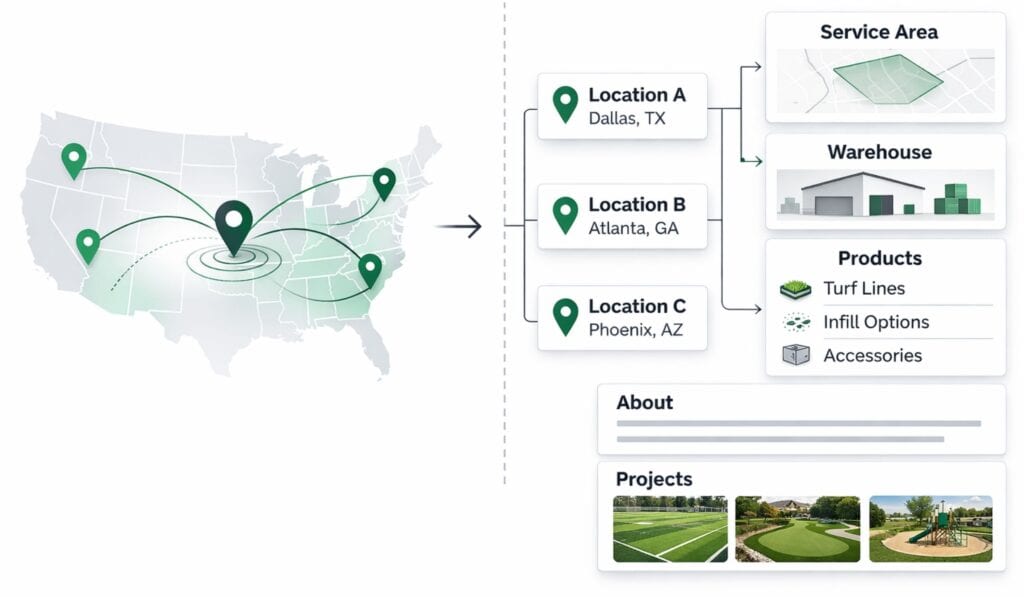
1. Multi-Location Architecture
- Are physical warehouses clearly differentiated?
- Are service areas separated from operating locations?
- Are location relationships consistent?
2. Product Mapping
- Do products connect logically to use cases?
- Are those relationships explicit or implied?
- Do products connect to locations?
3. Entity Validation Signals
- Name, Address, Phone consistency
- Directory confirmation
- Schema and structured data presence
- Internal hierarchy clarity
4. AI Inclusion Patterns
- Are you appearing in AI Overviews in key markets?
- Are competitors being cited instead?
- Is inclusion consistent or sporadic?
Our Process
How It Works
Step 1
Entity Definition
Identify the business entities AI systems recognize.
Step 2
Structural Analysis
Evaluate service architecture, locations, and product relationships.
Step 3
Validation Signals
Measure external references, citations, and supplier confirmation.
Step 4
AI Confidence Score
Estimate the likelihood of inclusion in AI-generated answers.
The 90-day reference refers to execution — not analysis.
WHAT YOU GET
A Clear Visibility Map
At the conclusion of the assessment, you receive:
- A summary of conflicting signals
- A clarity score across locations
- A visibility pattern review across priority markets
- A prioritized structural roadmap
No tactics. No marketing fluff.
Just clarity before scale.
Who is This For?
Designed for Multi-Location Operators
This assessment is best suited for:
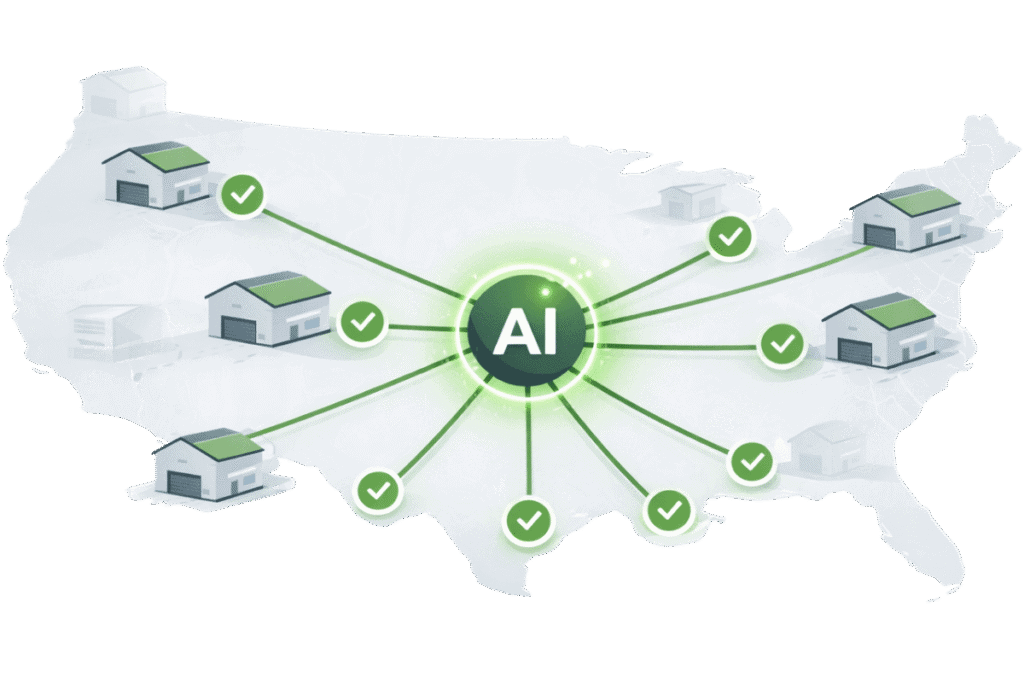
- Artificial turf suppliers with multiple warehouses
- Artificial turf installers with multiple locations/service areas
- Regional or national distributors
- Manufacturers with dealer networks
- PE-backed operators modernizing infrastructure
- Companies rebuilding or restructuring their website
It is not designed for small single-location installers.
This is structural work.
Why Structure Matters
Traffic Is Not Inclusion
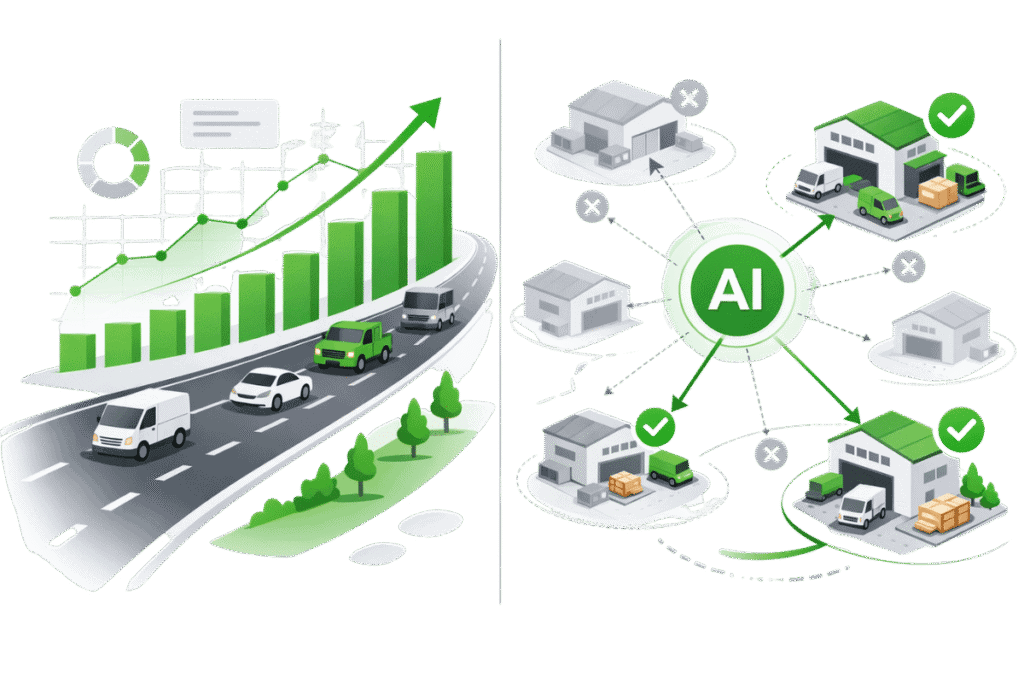
You can rank.
You can run ads.
You can generate traffic.
Traffic ≠ Recognition.
But AI inclusion is binary.
You are either recognized with confidence — or you are not.
Before investing in growth, clarity must exist.
Structure compounds.
Confusion dilutes.
Structural Clarity = AI Inclusion
Infrastructure for AI Validation
The Turf Network was built as structured industry infrastructure.
Supplier listings:
- Map physical locations
- Connect products to applications
- Clarify service territories
- Provide external confirmation signals
For multi-location operators, structured external validation supports inclusion.
The Visibility Assessment ensures your internal structure aligns with the AI Visibility Framework.

AI VISIBILITY SYSTEM
Explore the AI Visibility System
Understanding AI visibility requires looking at how businesses, products, and locations connect across the artificial turf industry.
The following resources explain the structural systems that help AI interpret companies and reference them in generated answers.
AI Visibility Framework
Structural model describing how AI systems determine whether a business can be referenced in generated answers.
Turf Industry Map
Visual map of how manufacturers, suppliers, installers, and projects connect across the turf industry.
Turf Industry Explained
Learn how companies, products, locations, and projects form the structural data layer AI systems rely on.
Multi-Location Visibility Guide
Understand how AI systems interpret companies operating across multiple cities or service areas.
Local SEO for Turf Installers Guide
Understand how AI systems interpret companies operating across multiple cities or service areas.
Website Traffic vs. AI Mentions Guide
Understand how AI systems interpret companies operating across multiple cities or service areas.
Ready for Clarity?
Run the AI Visibility Diagnostic
Understand how AI systems interpret your business identity, structure, and validation signals.